Game guide · RCFUTURE11
16x16 Sudoku: a guide for your next round
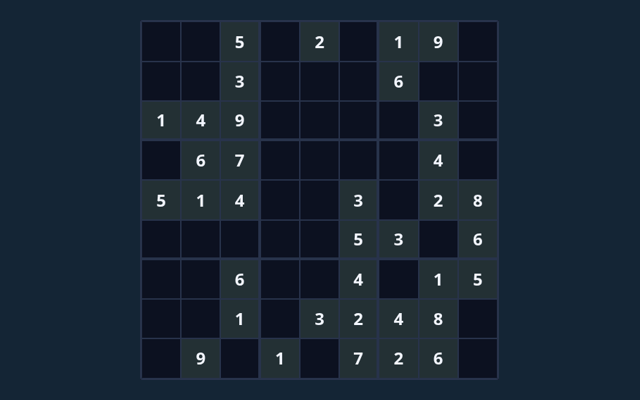
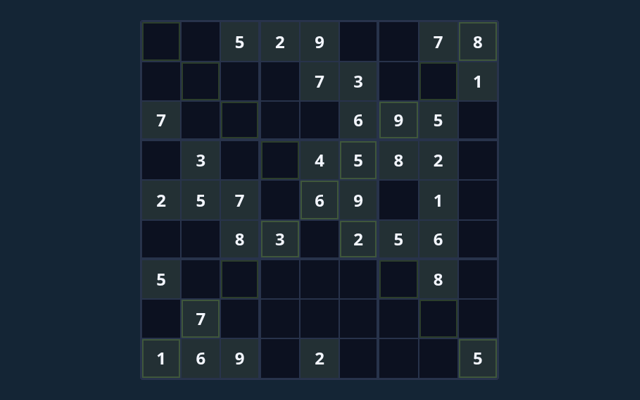
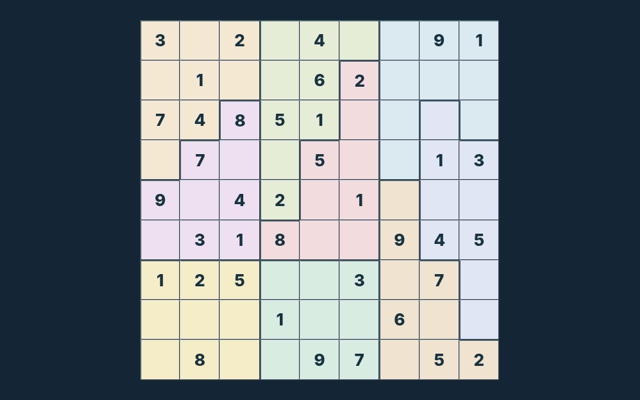
Start 16x16 Sudoku by looking at the playing area and its controls. Fill all cells with 1–9 and A–G; do not repeat a symbol in any row, column or region. Use the example below to understand a decision. Identify the playing area and the controls you need. Choose a clear next step rather than rushing through the instructions.
Give this approach a try
Take enough time to read a new position. If a game has a timer, learn its controls first rather than searching for them during the round. Use the example to check your reasoning.
The purpose of your moves
Fill all cells with 1–9 and A–G; do not repeat a symbol in any row, column or region. Use the instructions to see which actions move you towards it. Notice how the game responds to your input.
A walkthrough of the rules
- Select an empty cell. The original clues cannot be edited.
- Choose a symbol from the number pad, or type it on a keyboard.
- Turn Notes on to record candidate symbols without committing an answer.
- Use Check entries to check your filled values. Hint reveals one value from the verified solution.
- Complete the board, or choose New puzzle for another board.
Choosing and moving on screen
Tap or click a cell and use the number pad. Keyboard: arrows select cells; digits (and A–G on 16×16) enter values; Backspace erases. On a smaller screen, keep the active part of the board within view. Avoid pressing the same control repeatedly while a move is being processed.
See the idea in action
On one puzzle in this collection, row 1, column 1 has 3 in its solution. Read the clues on your current board before using that value; another puzzle can need a different entry. Use the example as a guide rather than a substitute for reading your board. Verify the rule before continuing.
A useful caution
Notes are reminders, not final entries. A full board only counts as complete when it satisfies every rule. Check the rule before repeating the action. Take enough time to read a new position. If a game has a timer, learn its controls first rather than searching for them during the round.
Common questions
As a new player, what is the goal of 16x16 Sudoku?
The key detail is this: Fill all cells with 1–9 and A–G; do not repeat a symbol in any row, column or region.
For a quick reminder, how do I control 16x16 Sudoku?
Here is the relevant explanation: Tap or click a cell and use the number pad. Keyboard: arrows select cells; digits (and A–G on 16×16) enter values; Backspace erases.
While reading the Guide, what example helps explain 16x16 Sudoku?
On one puzzle in this collection, row 1, column 2 has 9 in its solution. Read the clues on your current board before using that value; another puzzle can need a different entry.
What should I watch out for in 16x16 Sudoku?
Here is the relevant explanation: Notes are reminders, not final entries. A full board only counts as complete when it satisfies every rule.
For this browser game, what format does 16x16 Sudoku offer?
The key detail is this: Play using the solo mode shown on this page. Read the controls before starting a new round.
While reading the Guide, which play mode does 16x16 Sudoku use?
The mode on this page is Solo. Same-device play uses one screen; this game library does not provide internet matchmaking.
As a new player, where should I start with 16x16 Sudoku?
Keep this in mind: Select an empty cell. The original clues cannot be edited.
Do I need an account or a payment for 16x16 Sudoku?
The key detail is this: No player account or payment is needed. Game scores are recreational results, not cash prizes.
On this playing page, how can I find 16x16 Sudoku again?
Keep this in mind: Use the Games list or save this game page in your browser bookmarks. The Guide is linked from the playing page.
As a new player, how do I report an issue with 16x16 Sudoku?
Here is the relevant explanation: Use the contact form and include the game name, browser, device and the actions that led to the issue. Do not send passwords or payment details.